From record to document
Use data from a Podio item as the source for a Word document that is ready to use.
Podio to Word, without copy-paste work
Choose a Podio item, map fields to your Word template, download a clean document and save the mapping as a DocFlow. Less manual work, fewer mistakes, more calm in recurring processes. And yes, there is more.
Why PodioDocFlow
Many teams have their work neatly organized in Podio, but lose time when quotes, reports, attachments or confirmations need to come out of it. PodioDocFlow closes that gap.
Use data from a Podio item as the source for a Word document that is ready to use.
Work with your own Word templates, so documents keep matching your branding and process.
Choose source, scan controls, map fields, validate and generate. No extra platform pressure.
Product view
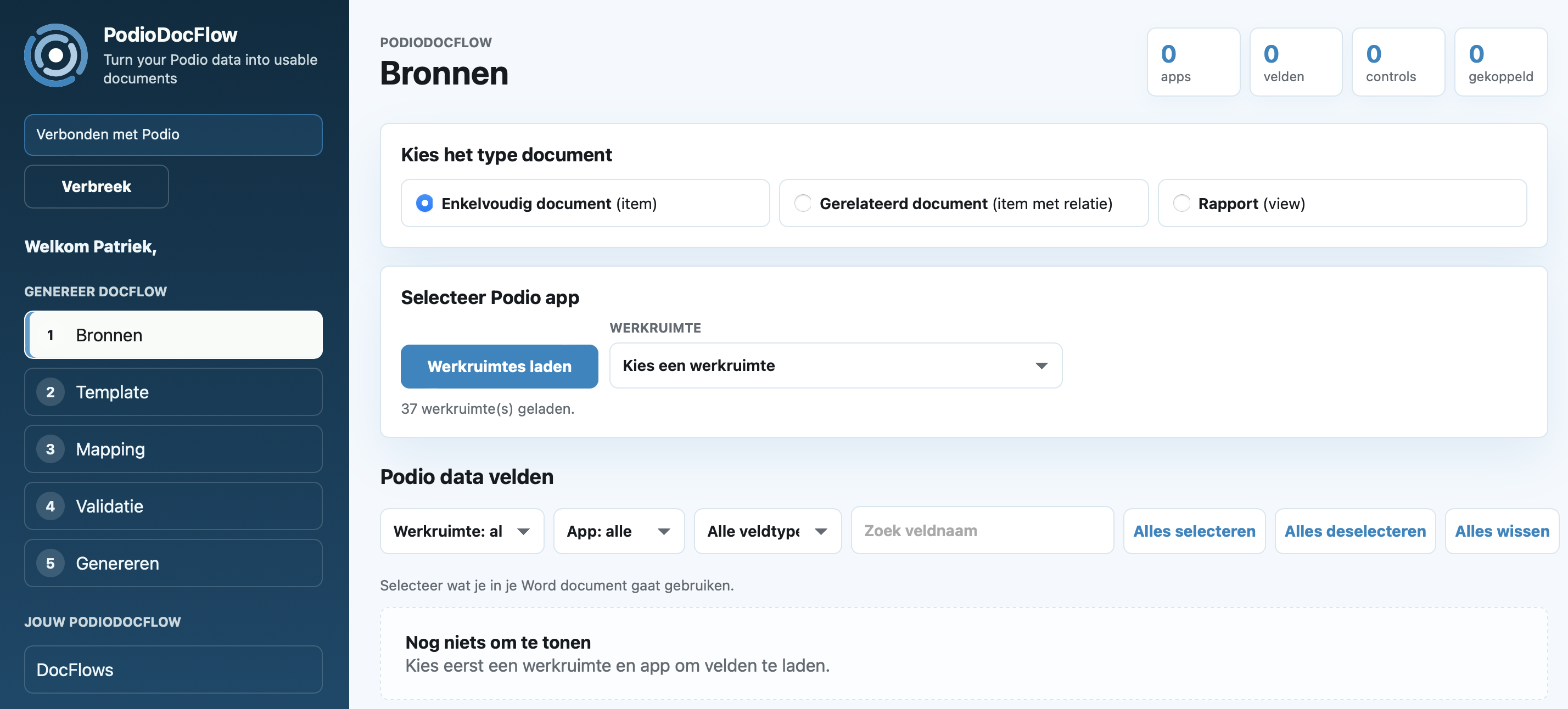
From source selection to generation: the interface stays clear step by step, so users know where they are and what is still needed.
Choose document type, workspace, app and the Podio fields used in the document.
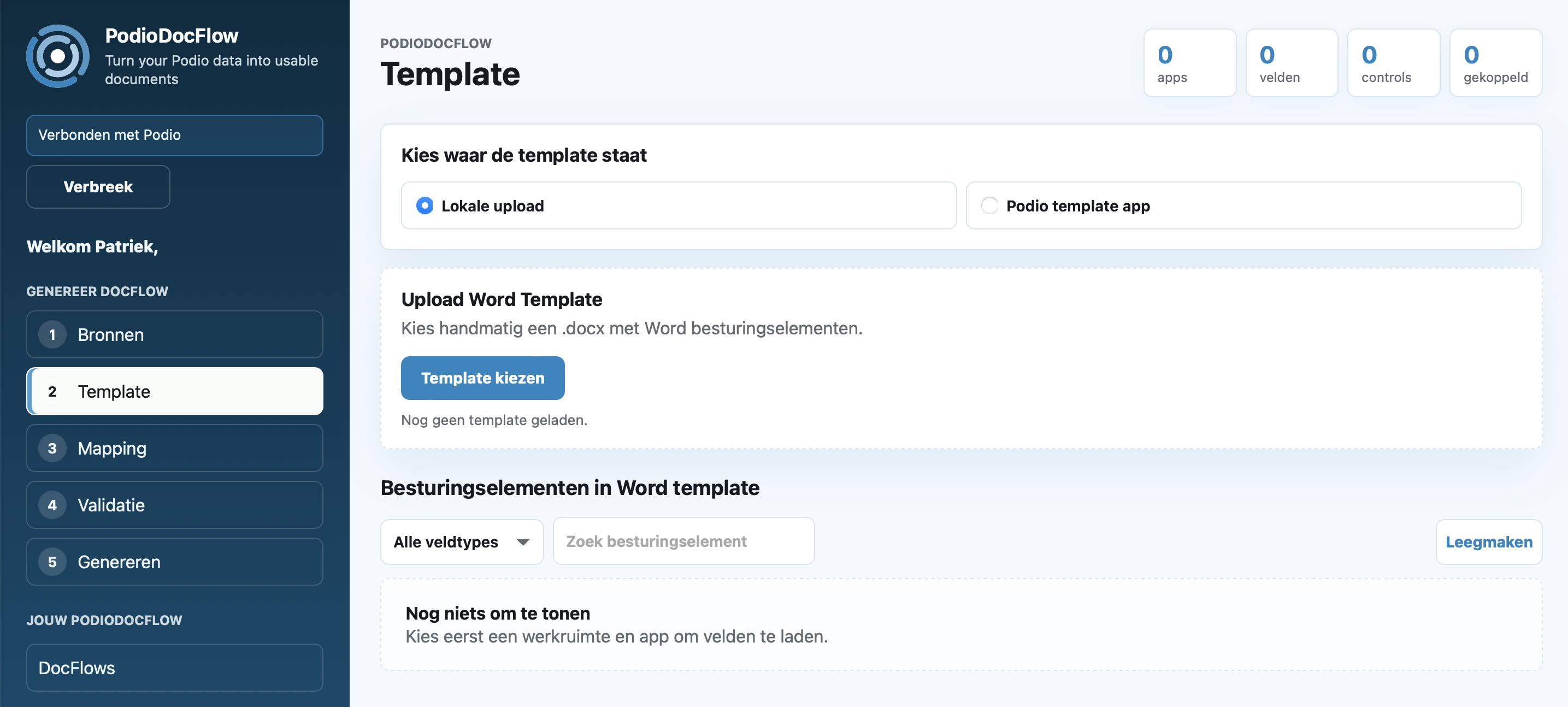
Upload a Word template or later use a Podio template app.
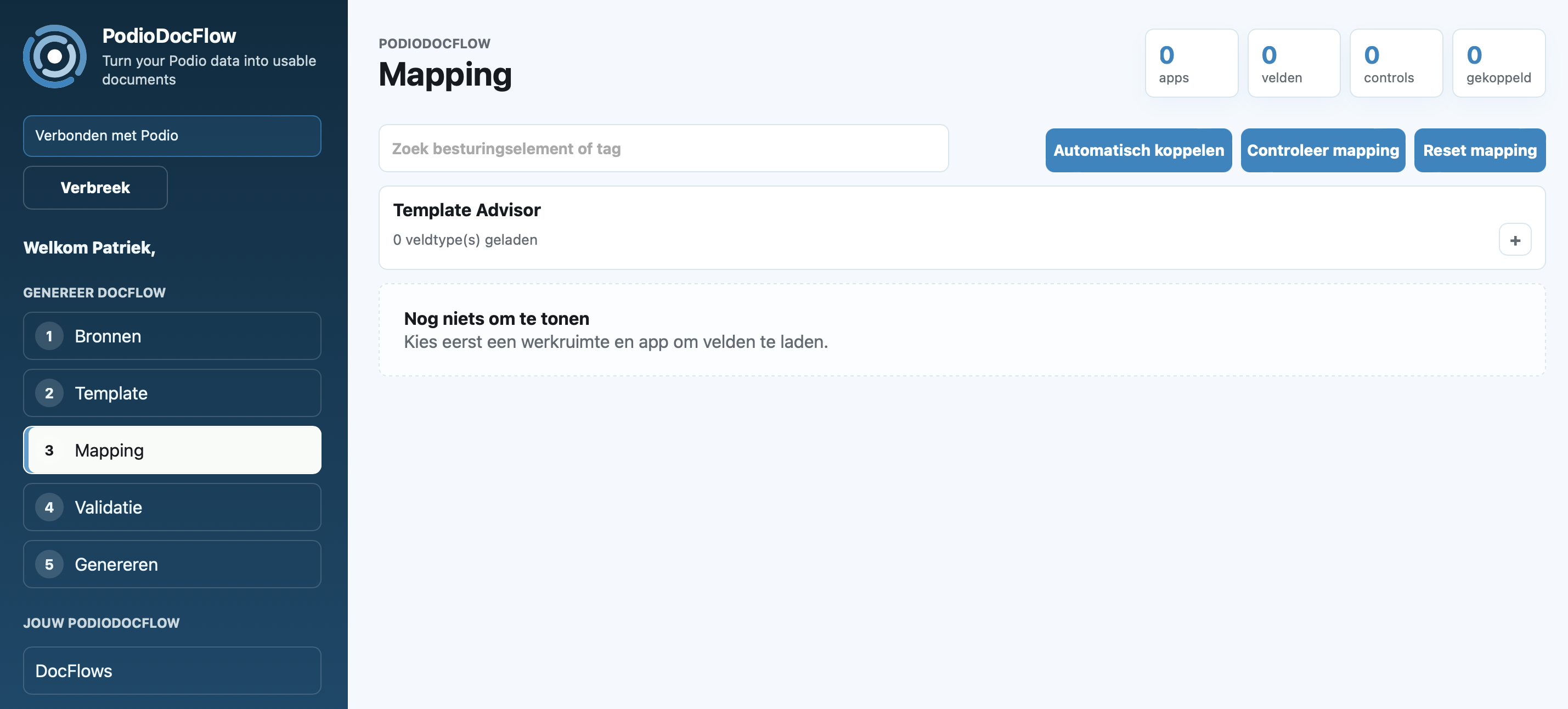
Connect Word content controls to the right Podio fields.
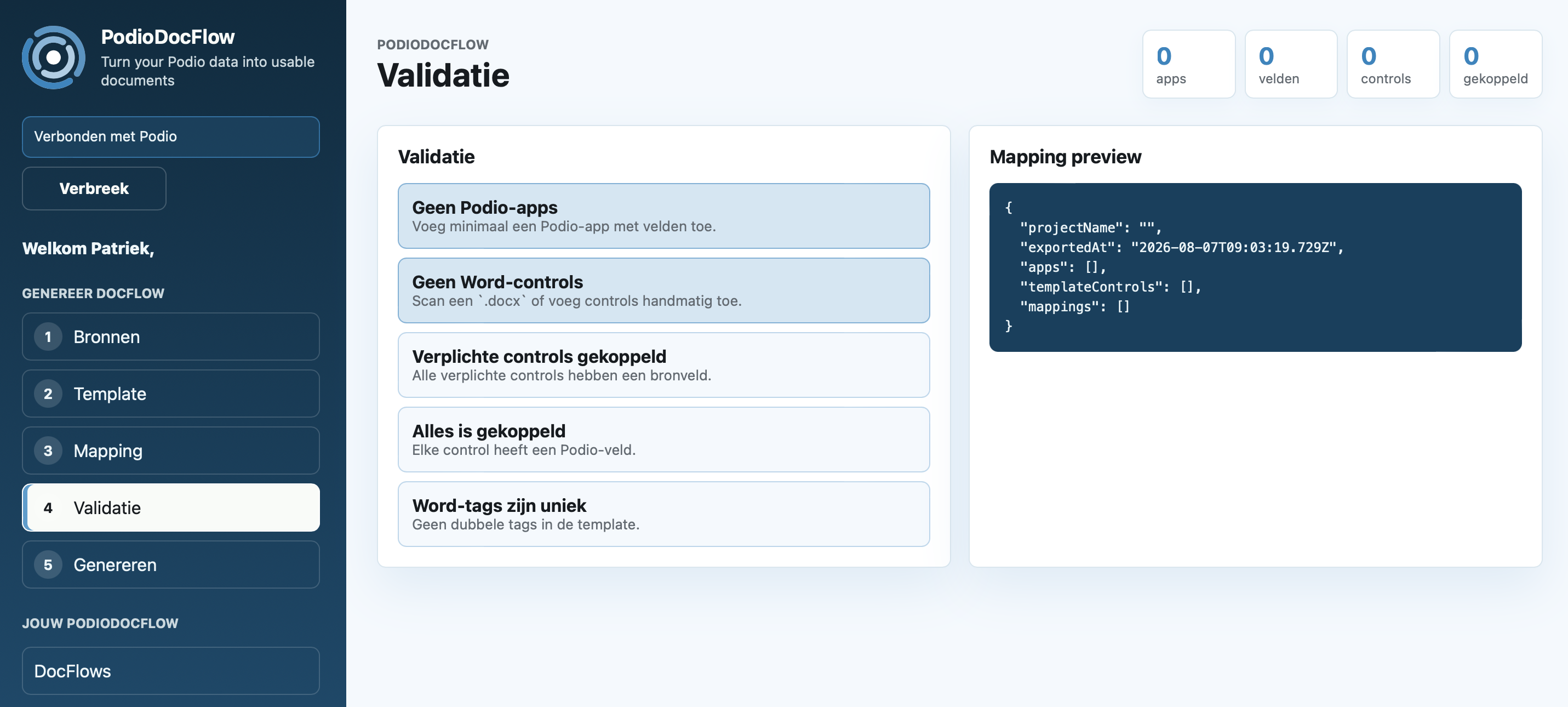
Check whether apps, controls, required fields and mapping are ready.
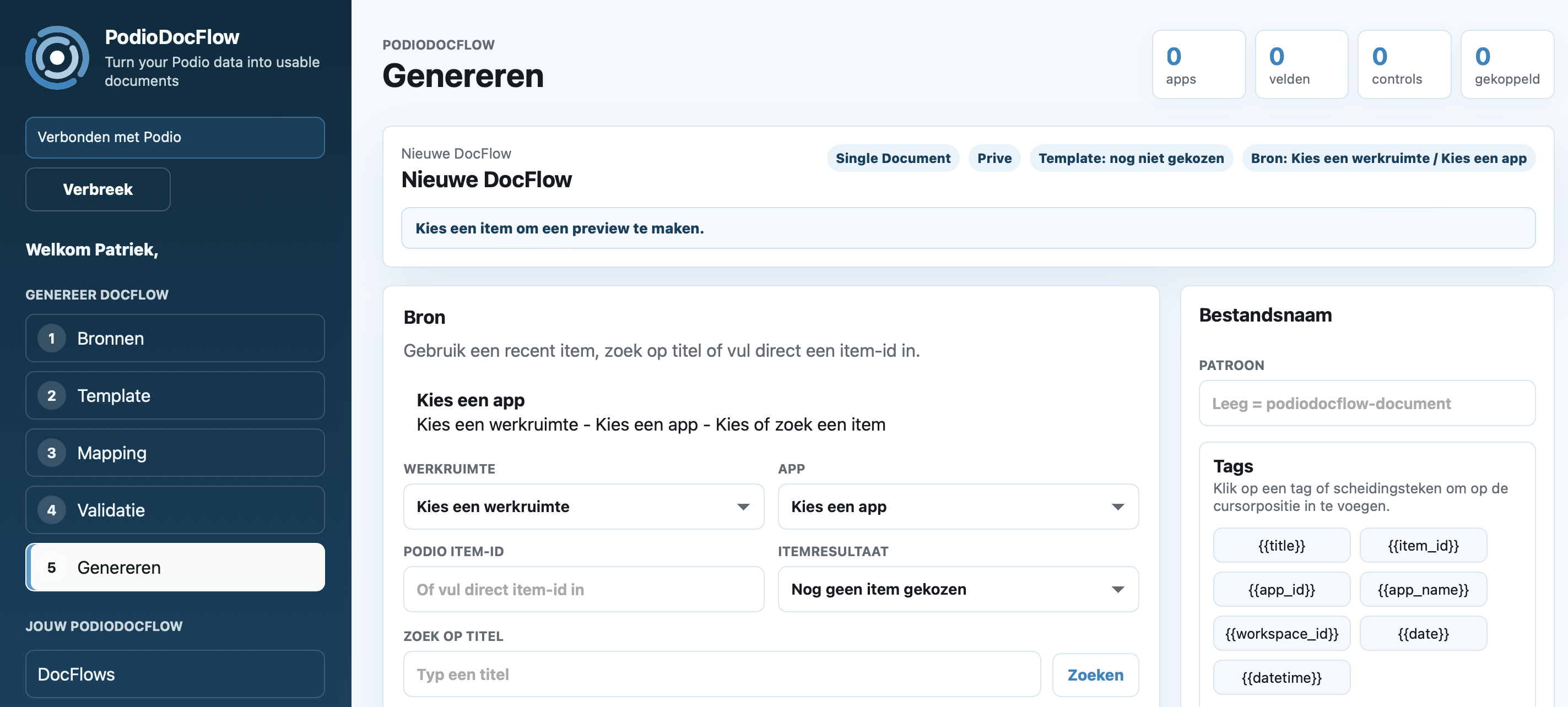
Select the item, define the filename and create the Word document.
Workflow

Choose the workspace, app and Podio fields your document data comes from.
Upload a DOCX template with content controls for the fields you want to fill.
Connect Podio fields to the right places in your Word template.
Check sources, controls and mappings before generating.
Check the mapping and download your document as DOCX.
What it does
Start free with the basic flow. Become a Founding Fan if you want to secure all current and future PodioDocFlow functionality for your personal account.
| Capability | Free plan | Founding Fan |
|---|---|---|
| Connect PodioLog in and retrieve data through Podio OAuth. | Yes | Yes |
| One Podio item to WordCreate a Word document based on a single Podio item. | Yes | Yes |
| Upload your own Word templateUse a local DOCX template with Word content controls. | Yes | Yes |
| Map fieldsConnect Podio fields to the right places in your Word template. | Yes | Yes |
| Save mapping as DocFlowSave mappings for reuse in recurring document processes. | No | Yes |
| Use a Podio template appUse templates from a Podio template app instead of local upload only. | No | Yes |
| Save generated document in PodioStore the generated document on the right Podio item. | No | Yes |
| Related documentsCreate documents that include related Podio data. | No | Rollout |
| ReportsCreate reports based on selected Podio data. | No | Yes |
| All future featuresNew PodioDocFlow functionality as soon as it becomes available, under fair-use conditions. | No | Yes |
| Share DocFlows with your teamTeam functionality is part of the product direction, but not an active launch offer alongside Founding Fan. | No | Team licence |
| Choose your starting point | Start free | Become a Founding Fan |
Launch offer
The first public phase revolves around Free and Founding Fan. Founding Fans get all current and future PodioDocFlow functionality for life, personally linked to a registered email address.
Payment runs through an external Moneybird payment link. After verification, access is manually confirmed and activated.
Frequently asked questions
Yes. The Free start lets you try PodioDocFlow with the basic flow: one Podio item to one Word document.
Founding Fan is the one-time launch offer for early adopters. You get all current and future PodioDocFlow functionality for life, personally linked to your registered email address.
Yes, but not as active launch offers. In this controlled first phase, Free and Founding Fan are the public options. Personal and Team licences will follow later.
Payment runs through Moneybird. After manual payment verification, we link Founding Fan to your registered email address; this is not activated automatically from the payment link.
The app runs on servers in Amsterdam via mijn.host. For PodioDocFlow we use the subdomain https://podiodocflow.i4cconcepts.nl.
If you need help developing or configuring a template for your document or report, contact us at info@i4cconcepts.nl.
Start with the Free plan. Want to use everything from day one? Become a Founding Fan. There are a maximum of 25 spots; activation happens manually after payment verification.